
How it works
Getting the truth off an iPhone usually means wrestling with iTunes, Finder, and a
pile of guesswork. skips all of it — plug in your phone and
it does the rest, right on your own computer.
We bypass iTunes entirely
The usual way
Virtually impossible for an iPhone user.
With
Prefer iTunes or Finder, or already have a backup? That works too — point
at an existing backup and it picks up from there. “Bypass”
just means you don’t have to touch iTunes — not that you can’t.
Before you start
Two minutes of prep, and you’re in.
Ideally the one that came with the phone. A worn or “charge-only” cable is the #1 reason a phone won’t connect.
The backup is read locally on this computer. A few gigabytes covers most phones.
Tap Trust and enter it once, so your computer can read the phone. (Your unlock code — not the backup password.)
Encrypted backups hold more of your history — and open only with the “Encrypt Local Backup” password. Not your Apple ID, not your passcode. Forgot it? walks you through your options.
Four steps, start to finish
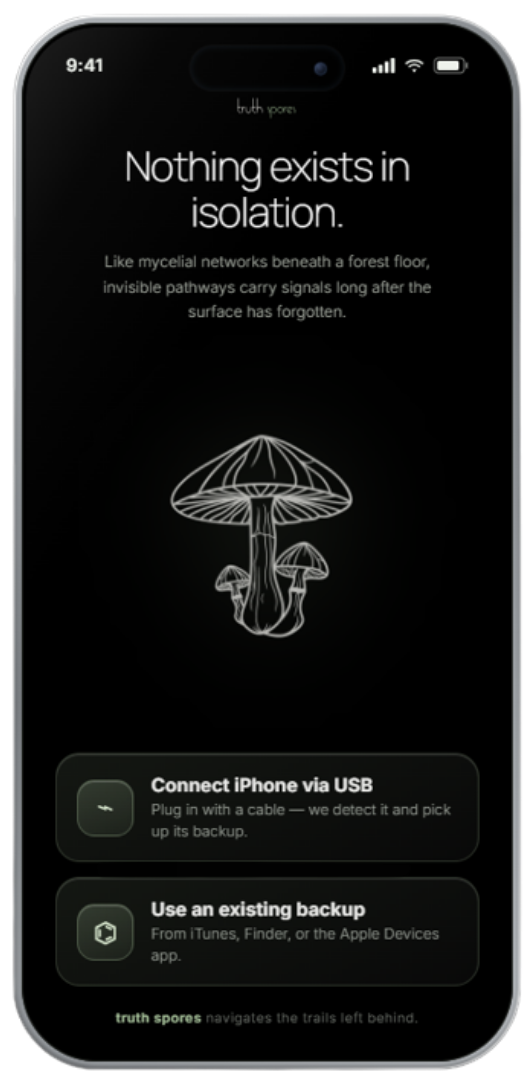
Connect it with a cable and detects it automatically — no iTunes, no Finder, no setup. Already have a backup? Use that instead.
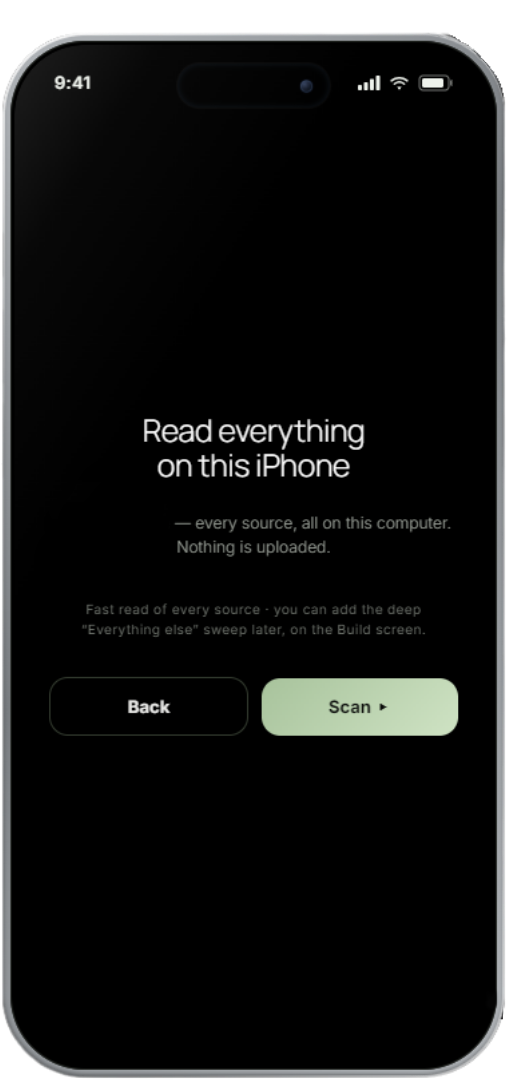
In one quick pass, reads every source on the phone — messages, calls, locations, photos, health and more — entirely on your computer. Encrypted backup? You unlock it once with the backup password (the “Encrypt Local Backup” one — not your phone passcode); nothing ever leaves your machine. Want the deep cut? Add the “Everything else” sweep later, right on the Build screen.
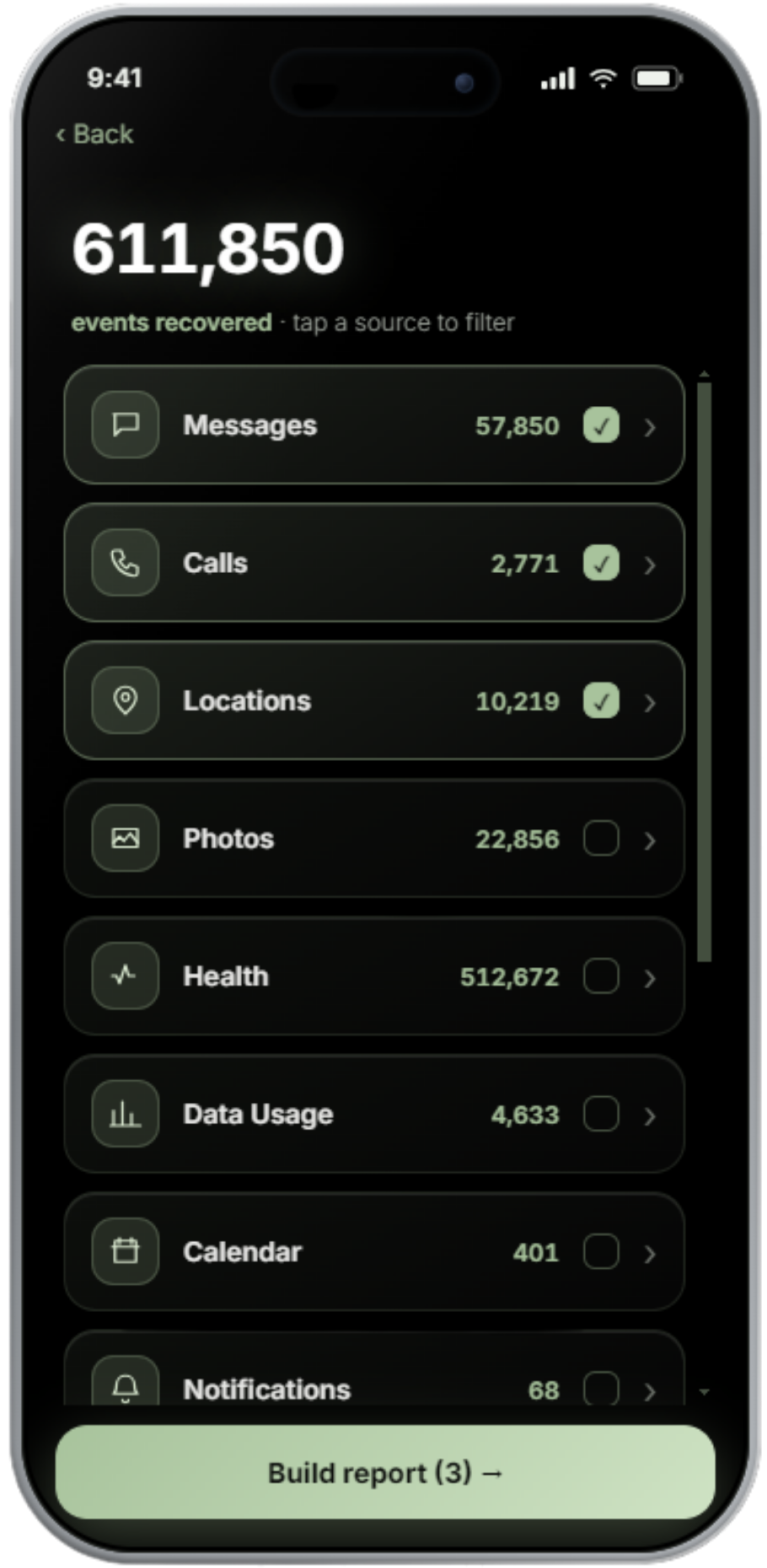
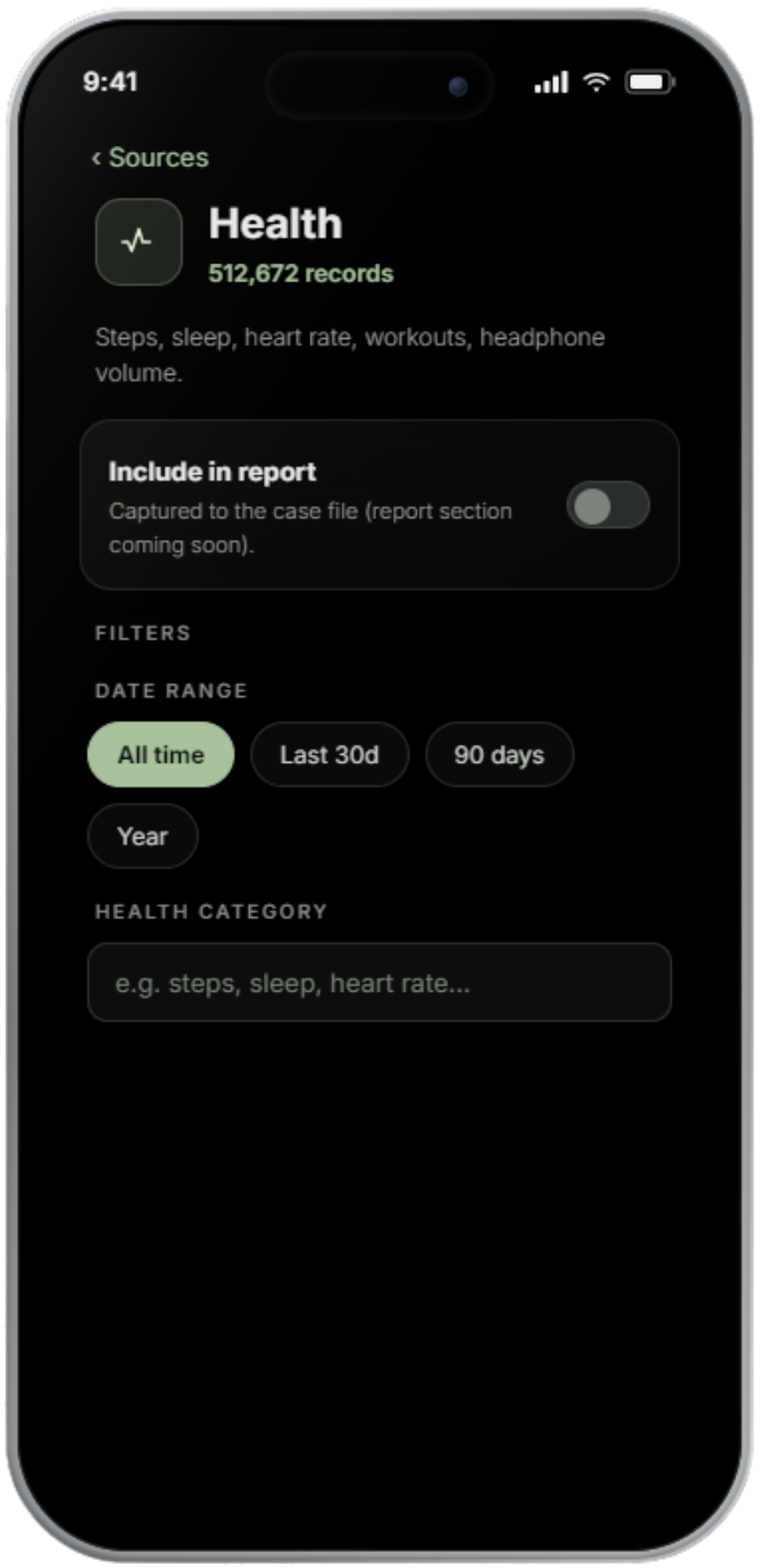
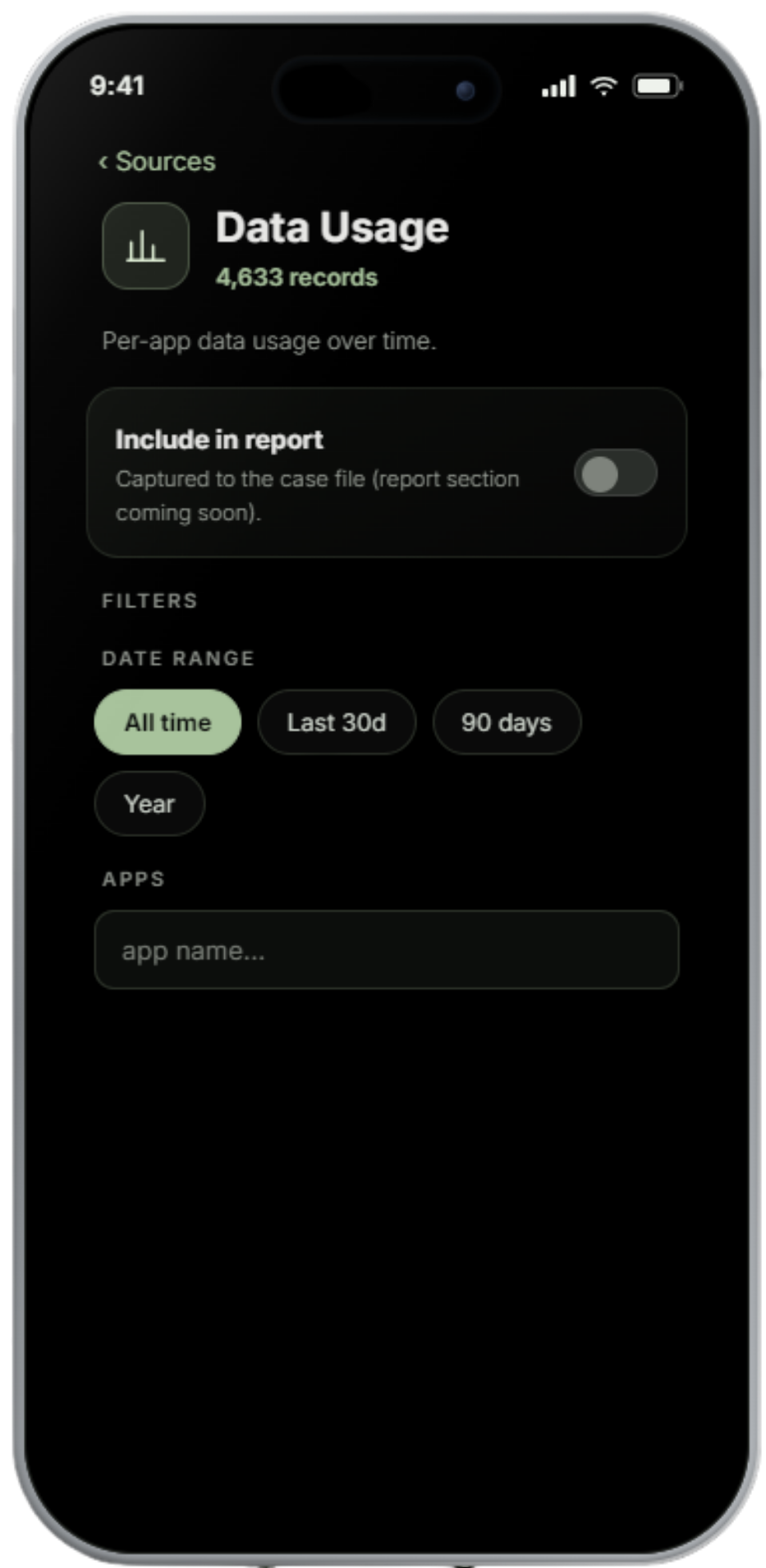
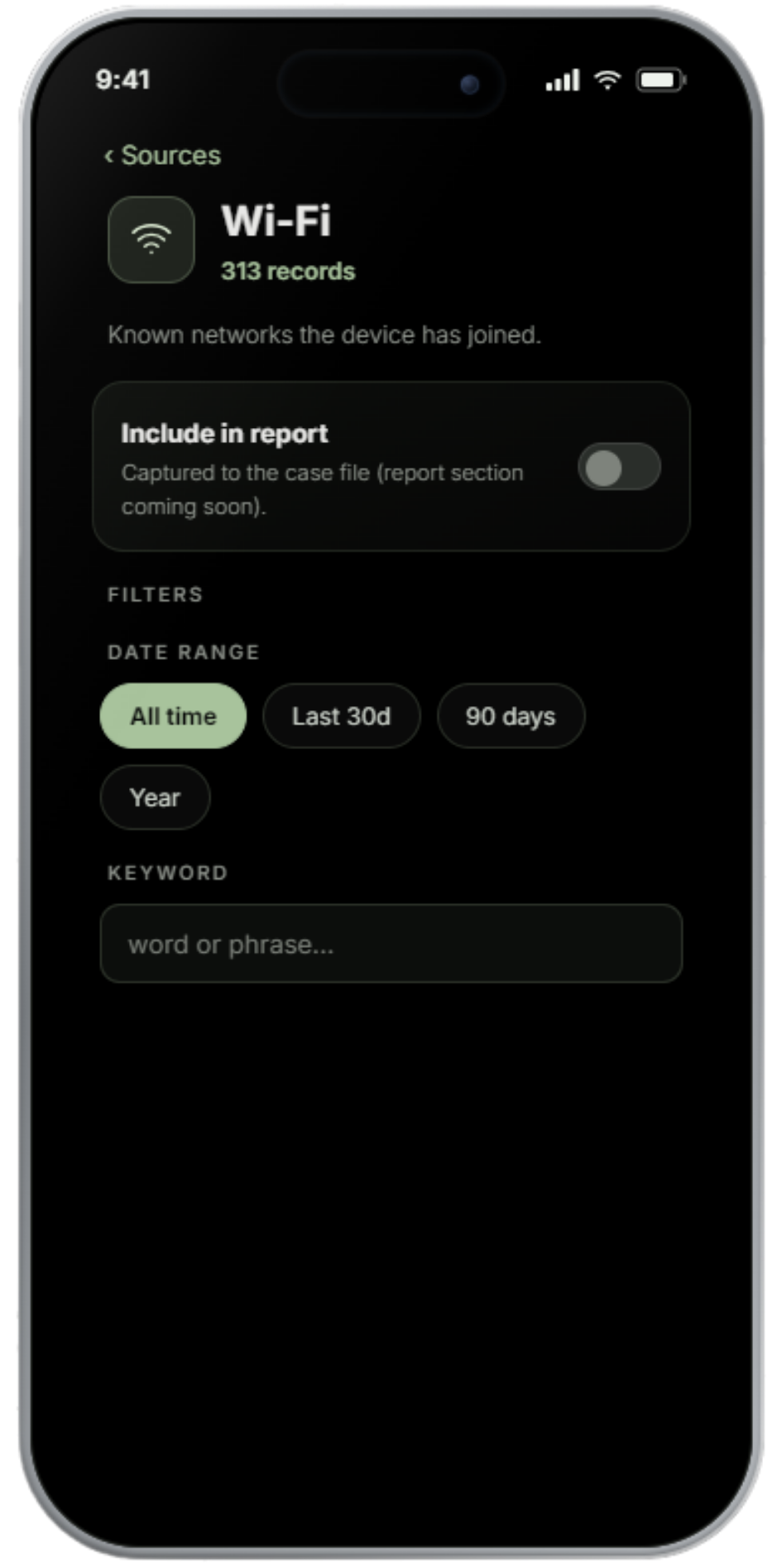
Every source on the phone shows up with a live count — Messages, Calls, Locations, Photos, Health, Data Usage and more. Tap any one to filter it by contact, date, or keyword, switch on what you want, then Build report. It all runs on your computer.
saves clean, timestamped reports right to your computer — open them, save them, share them. Organized so anyone can follow them, including the people who doubted you.
Done.
2 files saved to …\Desktop\truthspores
Down to the detail
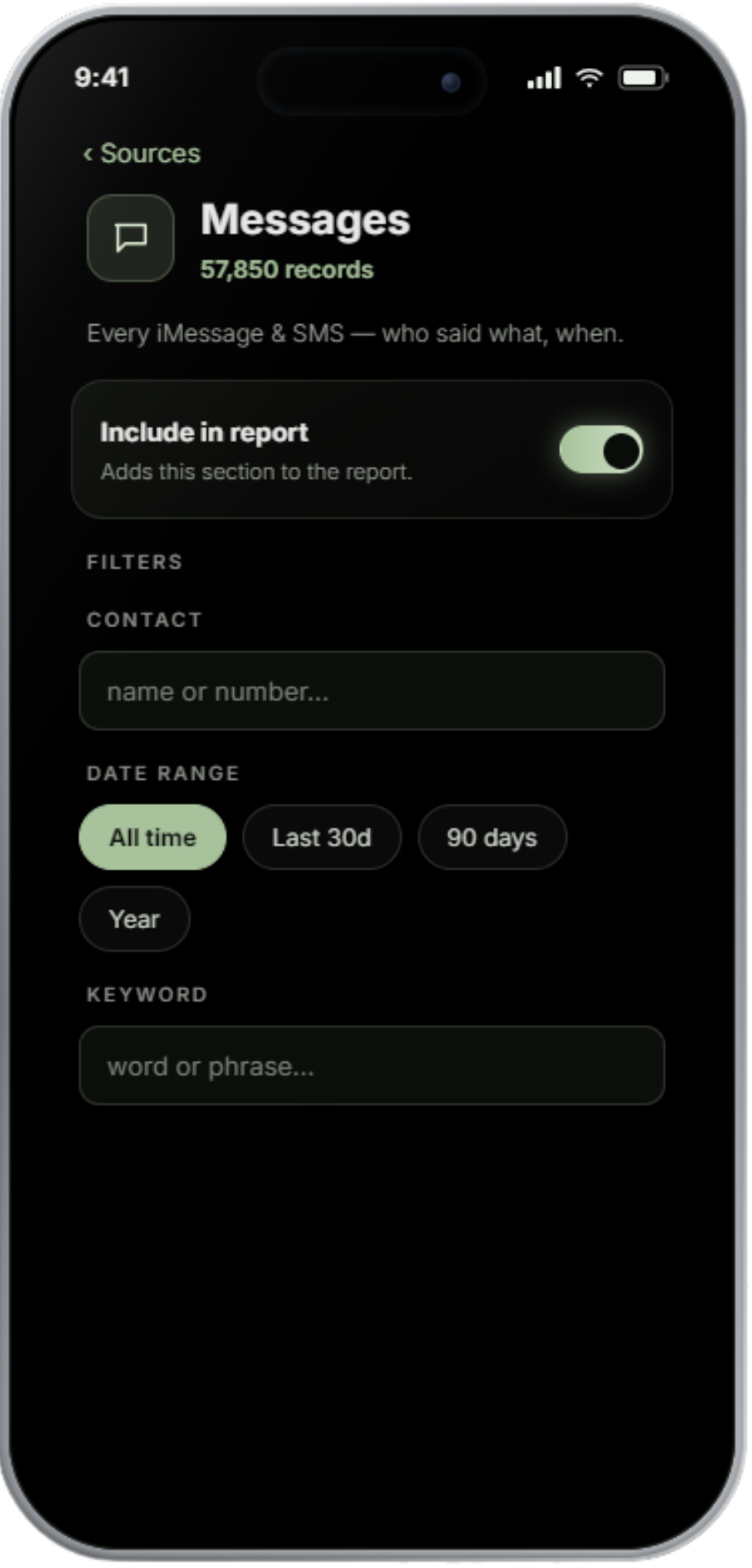
Tap any source to narrow it before you build — by contact, date range, keyword, app, or category. You decide exactly what lands in the report.
The technology
Most tools skim a couple of obvious files.
reads the entire encrypted backup — over 100,000 files — parses every source it finds,
surfaces records that were deleted, and fuses it all into one timeline and map of your own device.
The full encrypted iPhone backup — 100,000+ files — decrypted and parsed in one pass, not just the easy ones.
Entries marked deleted often linger in the database. We surface them, clearly flagged, instead of leaving them buried.
Every source is fused into a single chronological story — what was said, who was called, and where the phone was.
Reading, decrypting, and report-building all happen locally. Nothing is ever uploaded.
If you can plug in a phone, you can use it. Every step is guided in plain language.
We talk to your iPhone directly over the cable and handle the backup ourselves.
Reading, decrypting, and report-building all happen on your computer. Nothing is uploaded.